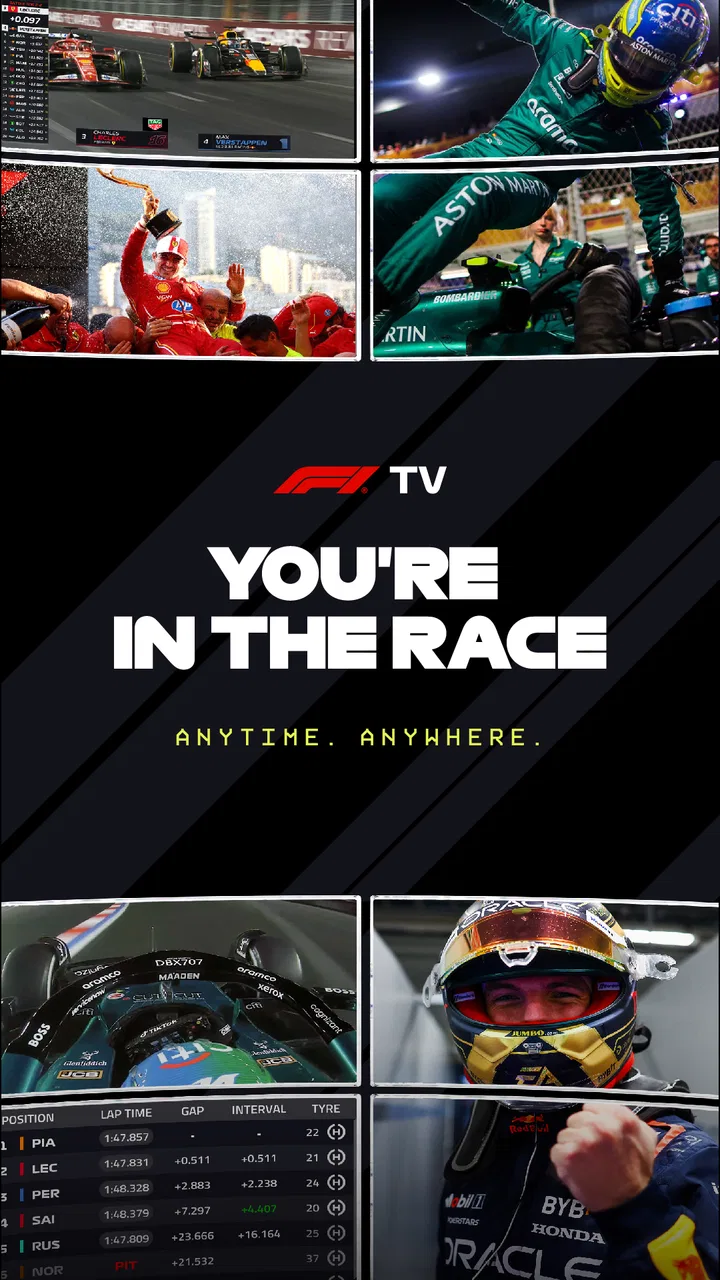
F1 TV
- 4.3
- Rating
- 10.00M
- Installs
- Free
- Price

 Analysis by App-foxy
I installed F1 TV because following a Formula 1 season through scattered clips and ordinary sports coverage had become frustrating. The app is built around one clear purpose: bringing live and on-demand Formula 1 viewing to a phone or tablet. In my experience, that focus makes it much more useful than a general sports app when a race weekend is the main event in your household.
It is a free sports app from Formula One Digital Media Limited, with optional purchases priced from $3.49 to $29.99 per item. The free download is easy to try, but the practical value depends on the access level available to your account and the kind of viewing you expect. I would not treat it as an automatic replacement for every television subscription; I would treat it as a dedicated F1 viewing hub that needs to fit your existing setup.
The app has built a sizeable audience, with over ten million installs and a 4.4 average from around two hundred nine thousand ratings. That does not guarantee a perfect experience on every device, but it does suggest that F1 TV is not a niche experiment. It is a serious option for fans who want their race viewing organized in one place.
You May Also Like

 Blood Strike: 2.5 Anniversary
Blood Strike’s Loadouts Turn Every Drop Into a Tactical Gamble
A close look at Blood Strike’s custom loadouts: how fast access to signature weapons reshapes its battle royale rhythm, rewards preparation, and narrows the gap between fights.

 Pandora - Music & Podcasts
Pandora’s Music Is Easy to Start, but Harder to Recover
Pandora’s strength is its low-effort path from a seed to a station. Its weak spot is how much confidence it asks you to place in connection, setup, and quiet recovery.

 8 Ball Pool
 Is Built on Rivalries, Rematches, and Routine
A close look at the rivalries, rematches, shared routines, and unanswered safety questions that turn a quick pool match into a persistent mobile community.

 Samsung Music
’s Quiet Strength Is Playing What You Already Own
Its reach comes less from spectacle than from dependable access to a personal library. That simplicity is both the app’s strongest retention engine and its ceiling.

 AccuWeather: Weather Radar
AccuWeather Review: A Quick, Clear Forecast for Everyday Decisions
For everyday plans, the best forecast is the one you can understand quickly. AccuWeather makes rain timing, radar, and local conditions easy to act on, with a few trade-offs.

 Hill Climb Racing
Why Hill Climb Racing Still Turns Crashes Into One More Run
A tiny car, a bumpy hill and one more upgrade: Hill Climb Racing keeps resurfacing because its simple chaos makes every near-miss feel personal.
More From Our News Desk
View All News


How F1 TV works in a shared household
The most convincing use case for me is a shared-device household. Imagine one person wants to watch qualifying on a tablet in the kitchen while someone else is using the main television. F1 TV gives the fan a dedicated place to follow the session without taking over the family screen. That sounds simple, but it changes the rhythm of a race weekend: the app can be the personal viewing option when live sport competes with a film, a children’s program, or another event.
I also found it helpful for people who do not watch every session from beginning to end. A busy viewer can use the app as a way to return to F1 content when time allows, rather than depending entirely on a live broadcast schedule. The on-demand side is especially useful after work, during travel, or when a household decision means the race cannot be watched at its original time.
That flexibility has a trade-off. A phone screen is convenient, but it is not the same as watching a Grand Prix on a large television with good sound. For short checks, highlights, or a quick look at a session, the mobile format is comfortable. For a full race, I prefer a larger display whenever possible. The app is strongest when it complements the home viewing arrangement instead of pretending that every screen is equally suitable.
Another realistic scenario is a household with two F1 fans who follow different levels of detail. One may want the complete race, while the other only wants to catch up on the weekend later. Keeping the app on a personal device reduces the need to negotiate every viewing decision. It does not solve every account or screen-sharing question, but it makes separate viewing habits easier to manage.
What I would check before making it the main race-day option
Before relying on F1 TV for an important session, I would test the account, device, and connection at home. A live sports stream is less forgiving than reading news or watching a short clip. If the household internet is already busy with several people streaming, the experience may depend more on the network than on the app itself.
I would also decide where the app fits in the room. If the tablet is going to be passed between family members, keep in mind that the viewing experience is personal even when the device is shared. One person may pause or change content while another expects to continue. A dedicated phone or tablet is less convenient for the family, but often creates fewer interruptions.
For a shared television, I would check the available casting or connection method on the specific devices rather than assuming that every setup behaves identically. The safest approach is to try it before race day. That small test can reveal whether the household prefers the app on a personal screen or through a larger display.
Setting boundaries around accounts and devices
F1 TV is not something I would install casually on every device in the house without first deciding who is going to use the account. The app may be free to download, but optional purchases mean account boundaries matter. On a shared phone or tablet, I would make sure the person responsible for purchases understands what is being selected before confirming anything.
This is particularly important when a child or teenager uses the same device. The content rating is Teen, so I would place it in the household’s normal age-appropriate media routine rather than treating it as a children’s app. Formula 1 coverage is sports content, but the age label still deserves attention when several people share one login or one store account.
I would also keep the distinction between the app and the account clear. Installing F1 TV does not automatically mean that every household member should have unrestricted access to the same profile or purchase path. If several people use one device, agree in advance who manages sign-in details and who can approve an optional purchase. That is ordinary household organization, but it prevents avoidable confusion later.
Another useful boundary is deciding whether the app is for live viewing, catch-up viewing, or both. If one person expects to use it during every race and another only opens it occasionally, the household should agree on what counts as the main use. This helps avoid disappointment when someone assumes that a particular access level or viewing arrangement will suit everyone equally.
I would not recommend sharing passwords widely just to make the app feel like a family service. Instead, keep access limited to the people who genuinely need it and use the device’s own account protections where appropriate. F1 TV does not become easier to manage simply because more people know the login details.
Why the free download needs a realistic expectation
The word “free” is useful here, but it should not be read as “every viewing option costs nothing.” The app can be installed without an upfront purchase, while in-app items range from $3.49 to $29.99. I see that as a reason to explore the app first and decide what the household actually needs, not as a reason to assume that the full experience is automatically included.
If you mainly want occasional F1 content, paying for the broadest option may not make sense. If live and on-demand access is central to your season, the calculation changes. I would compare the expected use with the cost of the relevant purchase and with any sports service already used at home. The right choice depends on whether F1 TV adds something your current viewing arrangement does not provide.
That comparison is also useful for shared devices. A household may already have a television service that covers the races, making F1 TV more valuable as a personal companion than as the primary screen. Another household may prefer the app because it keeps F1 content in one dedicated place. Neither approach is automatically better.
Coordinating race weekends without stepping on each other
Race weekends create unusual scheduling pressure. Sessions happen at fixed times, and a shared household may have only one quiet room or one reliable screen. I found that the best way to use F1 TV is to decide the viewing plan before the session starts: who wants the live stream, who is happy with on-demand viewing, and which device is available.
That simple conversation matters more than it sounds. If a parent is using the tablet for work, a partner wants the television, and a teenager wants to follow the race on a phone, the app becomes part of a coordination problem. It can help by offering another route to the content, but it cannot create extra screens or extra bandwidth.
I would keep one device available for the person who cares most about watching live. Other viewers can use the app later, provided their chosen access supports the content they want. This approach avoids the common mistake of treating every household member’s viewing preference as equally time-sensitive.
For a viewer with limited time, on-demand access can be used strategically. Rather than opening the app repeatedly throughout the day, choose a quiet block and watch the session with notifications and unrelated tasks put aside. That makes the experience feel more like a planned sports broadcast and less like trying to assemble the weekend from random moments.
There is also a practical advantage for fans who follow the sport closely but do not want to monopolize the television. A phone or tablet can handle personal viewing while the main room remains available for everyone else. I would still use headphones carefully in a shared space, because race commentary and household conversation do not always mix well.
Small habits that make the app more useful
My first tip is to open the app before the session you care about, not at the exact moment it begins. This gives you time to check that you are signed in, confirm the device is ready, and settle the household arrangement. It is a small habit, but live viewing is the worst time to discover that another person needs the same tablet.
My second tip is to separate “watching” from “checking.” A quick phone check is fine when you only want to see what is happening, but a full race deserves a more stable setup. Decide in advance whether the device is a temporary information screen or the main viewing screen. That decision helps you choose the right location, sound level, and charging plan.
My third tip is to treat on-demand viewing as a scheduling tool rather than merely a backup. If your household cannot agree on the live session, plan a later viewing window and avoid spoilers as much as possible. This is especially valuable for shift workers, students, and parents whose weekends do not follow the race timetable.
A final tip is to avoid making the app the only source of race-day information until you have tested it under your own conditions. Use it for a less important session first. That lets you learn how your household handles the account, device, sound, and network before the result matters.
Age, trust, and shared access
Because F1 TV carries a Teen content rating, I would be comfortable discussing it with an older child or teenager as a sports app, but I would still keep the account owner involved. The important issue is not only what appears on screen; it is also who can access the account and whether optional purchases are understood.
For a family device, I would avoid leaving the account permanently open if several people use it for unrelated tasks. A teenager may be perfectly capable of following Formula 1, while still not being the person who should approve a purchase. Clear household rules are more reliable than assuming that everyone will understand the same account boundaries.
Trust also matters between adults. If one person pays for access and another uses the device, agree on whether the app is a personal subscription, a shared household resource, or simply a way to watch together. That conversation becomes more important when the app is used across phones, tablets, and a television setup.
I appreciate that F1 TV has a narrow purpose because it makes the conversation easier. You are not handing over a general entertainment platform with endless unrelated categories. You are deciding how the household wants to handle Formula 1 viewing. Still, the narrow focus does not remove the need for sensible supervision around age, sign-in details, and purchases.
Compared with a general sports app, F1 TV is more directly relevant to a dedicated F1 fan, but a broad service may be better for a household that follows many sports and wants one subscription or one viewing routine. Compared with television coverage, the app offers more personal flexibility, while the television may remain simpler for a group watching together. Compared with short-form social clips, F1 TV is the better choice when you want a more complete viewing experience rather than isolated moments.
Who should use it and who should skip it
I would recommend F1 TV to someone who wants Formula 1 content available on a personal device, values live or on-demand access, and is willing to organize viewing around the household’s screens. It is also a good fit for fans who travel around their normal television routine or who often need to watch later instead of at the scheduled time.
I would be more cautious if you only watch an occasional race and already have an easy way to see it elsewhere. In that case, the app may add another account and purchase decision without changing your viewing life very much. I would also skip making it the centerpiece of a household that expects several people to watch different content simultaneously on one device.
It is not the best option for someone who wants a broad sports catalog. F1 TV is specialized, and that is both its strength and its limitation. If your interests include football, tennis, basketball, and motorsport in equal measure, a general sports provider may be more efficient. If Formula 1 is the reason you are opening the app, its focused design makes much more sense.
My household verdict on F1 TV
After using it as a dedicated Formula 1 companion, I see F1 TV as a practical app for fans who want to bring race viewing into their own schedule. Its strongest quality is not simply that it streams F1 content; it is that it gives the sport a separate place in a crowded household. A fan can watch on a personal device, return to content later, and coordinate around the television instead of always competing for it.
The app is free to install, rated Teen, and supported by Formula One Digital Media Limited. Its 4.4 average and audience of over ten million installs show that it has broad appeal, but I would still judge it by your own device, internet connection, and household habits. Popularity cannot decide whether a particular screen or account arrangement works for you.
The main friction comes from expectations. You need to distinguish the free download from optional purchases, decide who controls the account, and test the viewing setup before an important session. You also need to accept that a mobile app cannot make shared-screen conflicts disappear. Those are not reasons to reject it; they are the practical conditions for using it well.
My final recommendation is straightforward: install F1 TV if Formula 1 is a regular part of your life and you want a dedicated way to watch live or on demand. Start with a shared-device plan, set clear purchase and sign-in boundaries, and use a less important session to test the arrangement. For a household that treats F1 as a serious viewing priority, the app is worth considering; for casual viewers with reliable alternatives, it may be more convenience than necessity.
FAQs for F1 TV
01What features does the F1 TV app offer?
The F1 TV app provides live streaming of all Formula 1 races, exclusive onboard cameras, team radios, and live driver maps. Subscribers can also access race replays, highlights, and an extensive archive of past events. The app offers multiple language options and detailed analytics for a comprehensive viewing experience.
02Is F1 TV available worldwide?
F1 TV is available in many countries, but not worldwide. Licensing agreements restrict its availability in certain regions. Before subscribing, check the official F1 TV website or app store for availability in your location. If the service is unavailable, you may need to explore other broadcasting options in your region.
03How much does a subscription to F1 TV cost?
F1 TV offers two subscription tiers: F1 TV Pro and F1 TV Access. The Pro version includes live race coverage and additional features, while the Access version offers replays and highlights. Prices vary by region, so it's advisable to check the app or website for the latest pricing details in your area.
04What devices are compatible with F1 TV?
F1 TV is compatible with a range of devices, including smartphones, tablets, computers, and smart TVs. The app is available on both Android and iOS platforms. For the best experience, ensure your device meets the app's minimum system requirements, which include a stable internet connection and updated software.
05Can I watch F1 TV content offline?
Currently, F1 TV does not support offline viewing. All content, including live races, replays, and highlights, requires an internet connection to stream. This limitation means you'll need a reliable and fast internet connection to enjoy uninterrupted access to all features offered by the app.
Pros
- High-quality live streaming available.
- Comprehensive race analysis features.
- Access to exclusive onboard cameras.
- In-depth team radio access.
- Multiple viewing angles and replays.
Cons
- Subscription required for full access.
- Occasional streaming buffering issues.
- Limited availability in some regions.
- App interface can be unintuitive.
- No offline viewing option.

F1 TV
Gallery